Restore your old photos with Silver & Sepia
We restore old damaged photos — faded, torn, stained. A real artist brings yours back to life. Nothing is final until you say so.
From $38 per photo · 30-day money-back guarantee
- A real artist works on your photo
- You approve it before it's final
- Love it, or your money back
How it works
You don't need a scanner. Just a phone picture.
- 1
Upload or send us your photo
A quick phone picture of your photo is enough. No scanner needed.
- 2
A real artist carefully restores it
A restoration artist repairs the damage. No photo is too far gone.
- 3
Love it, or your money back
Free revisions until it's right, or your money back.
From $38 per photo
See the work
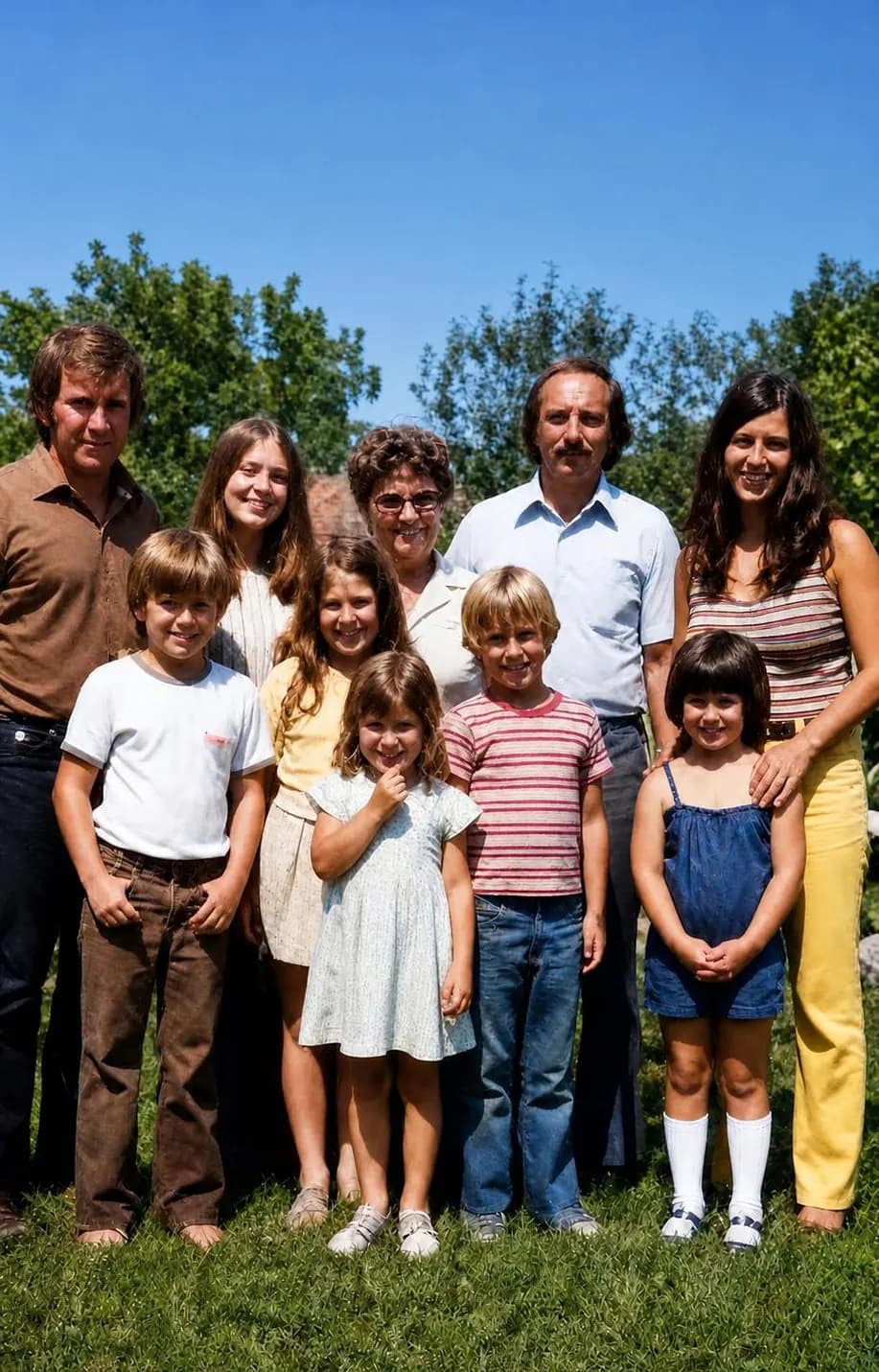
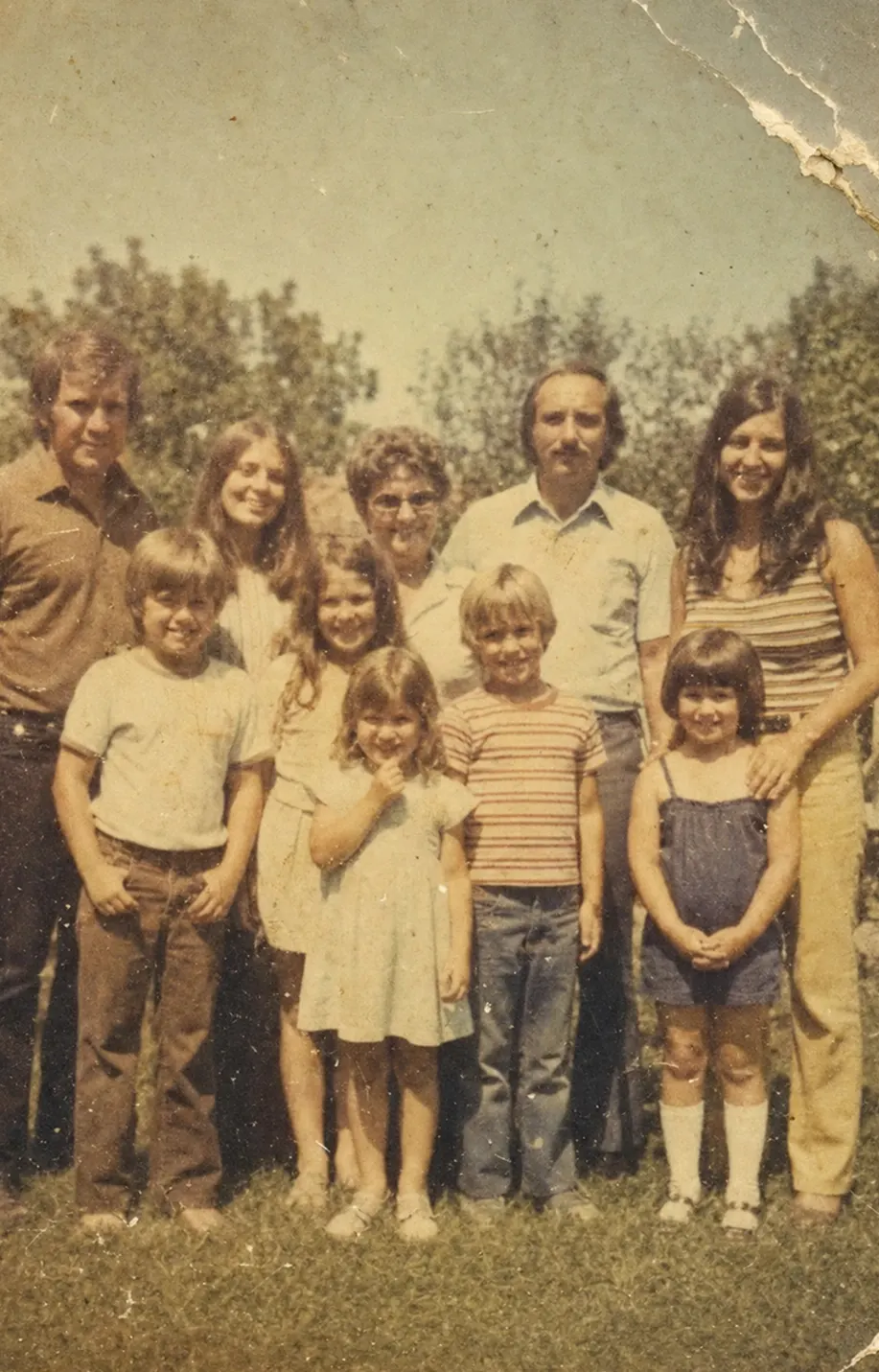
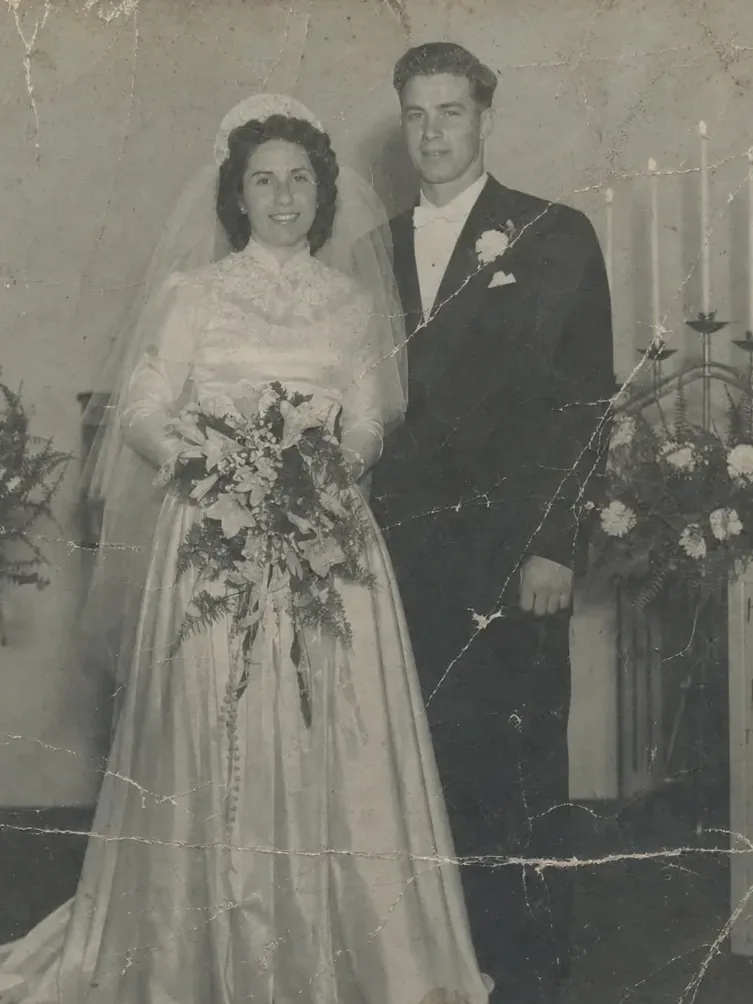
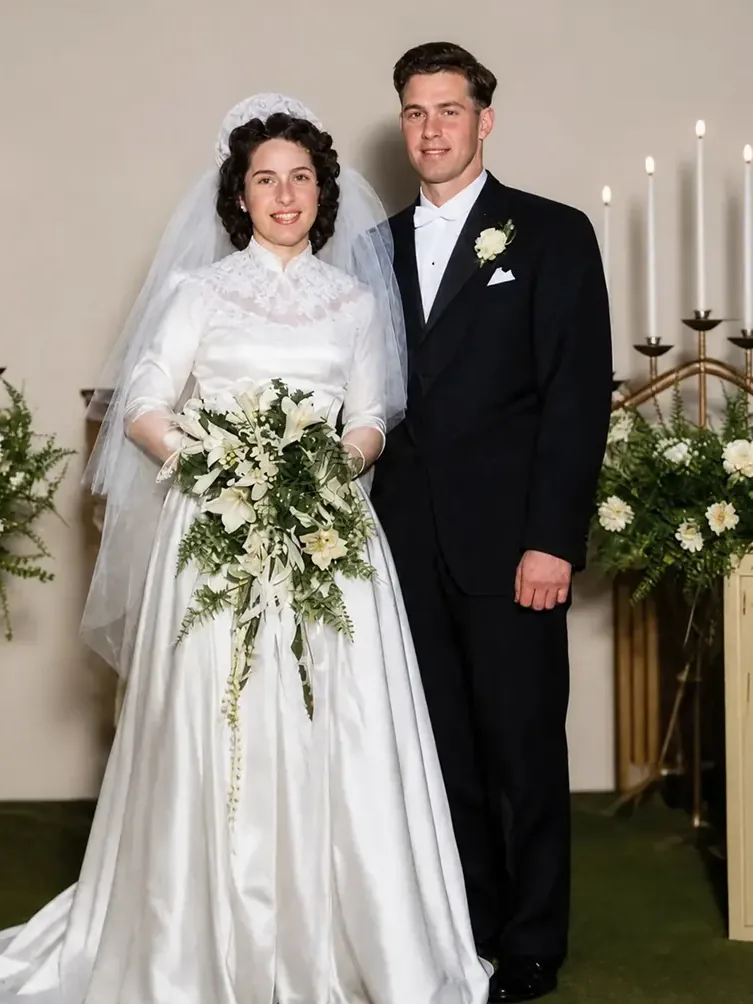
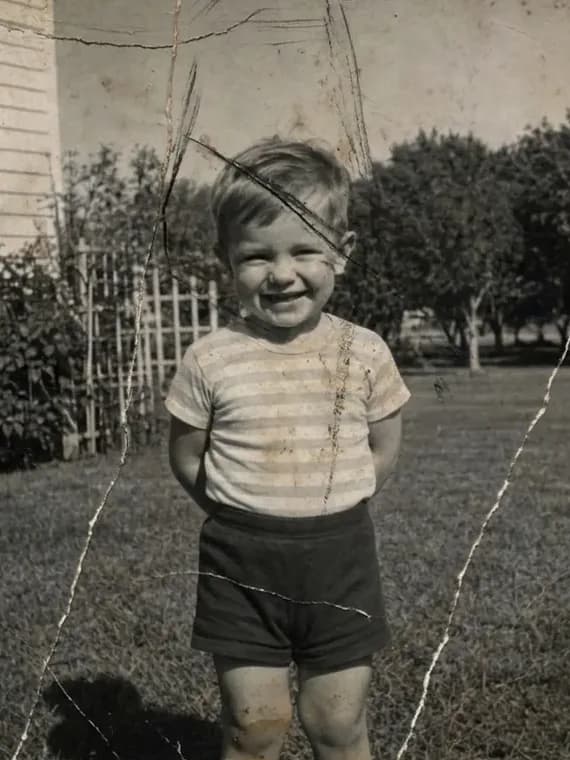
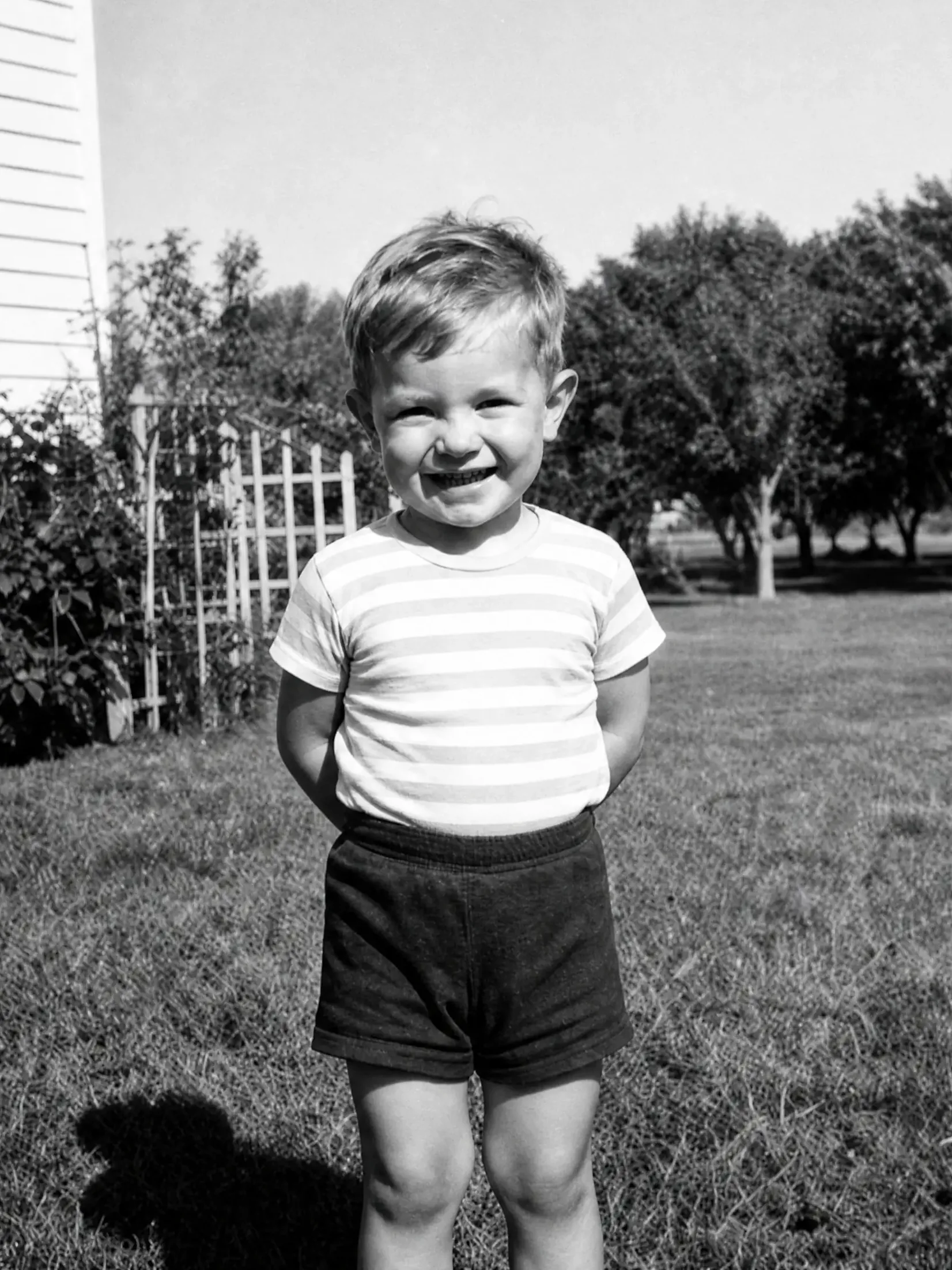
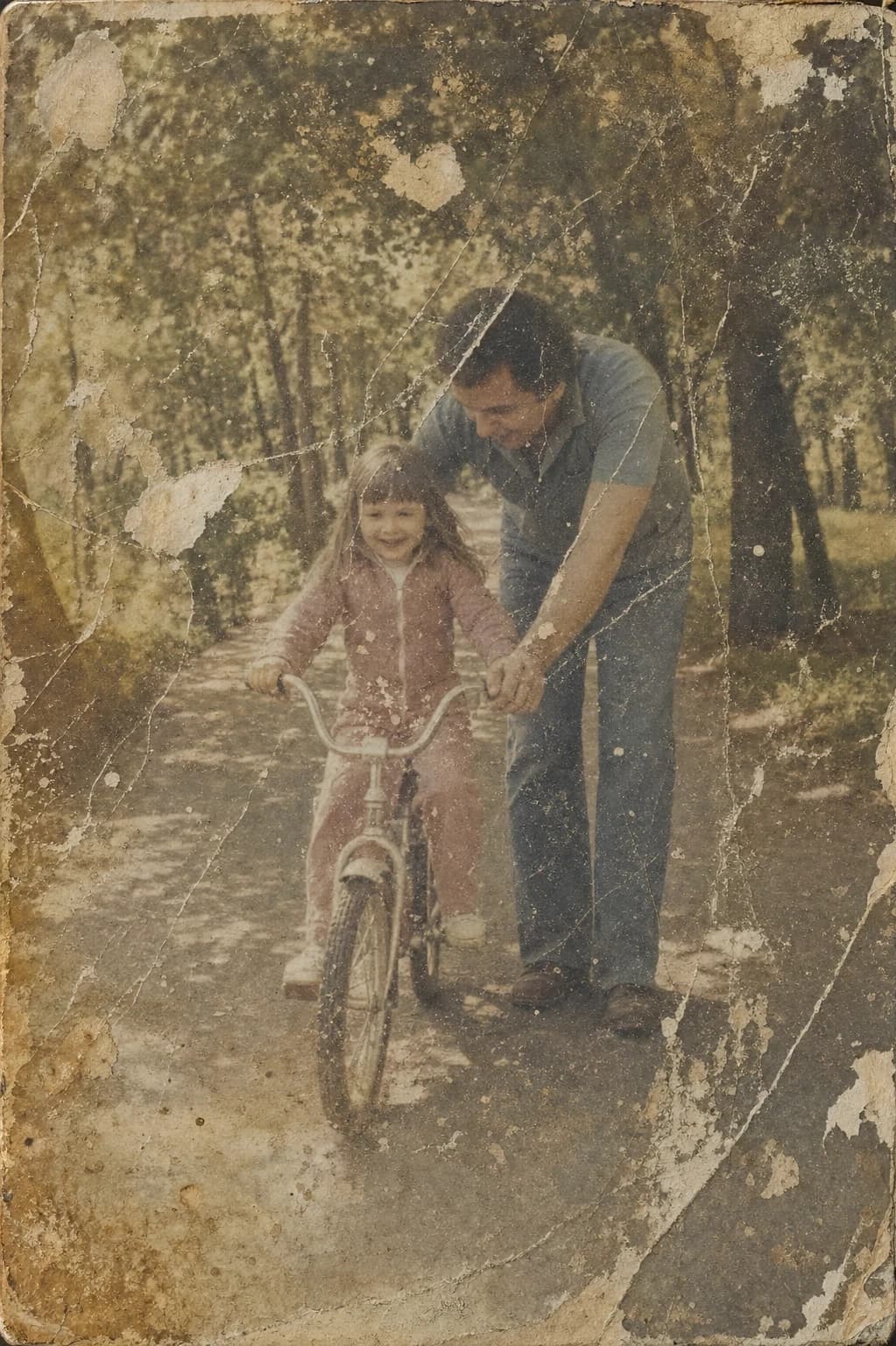
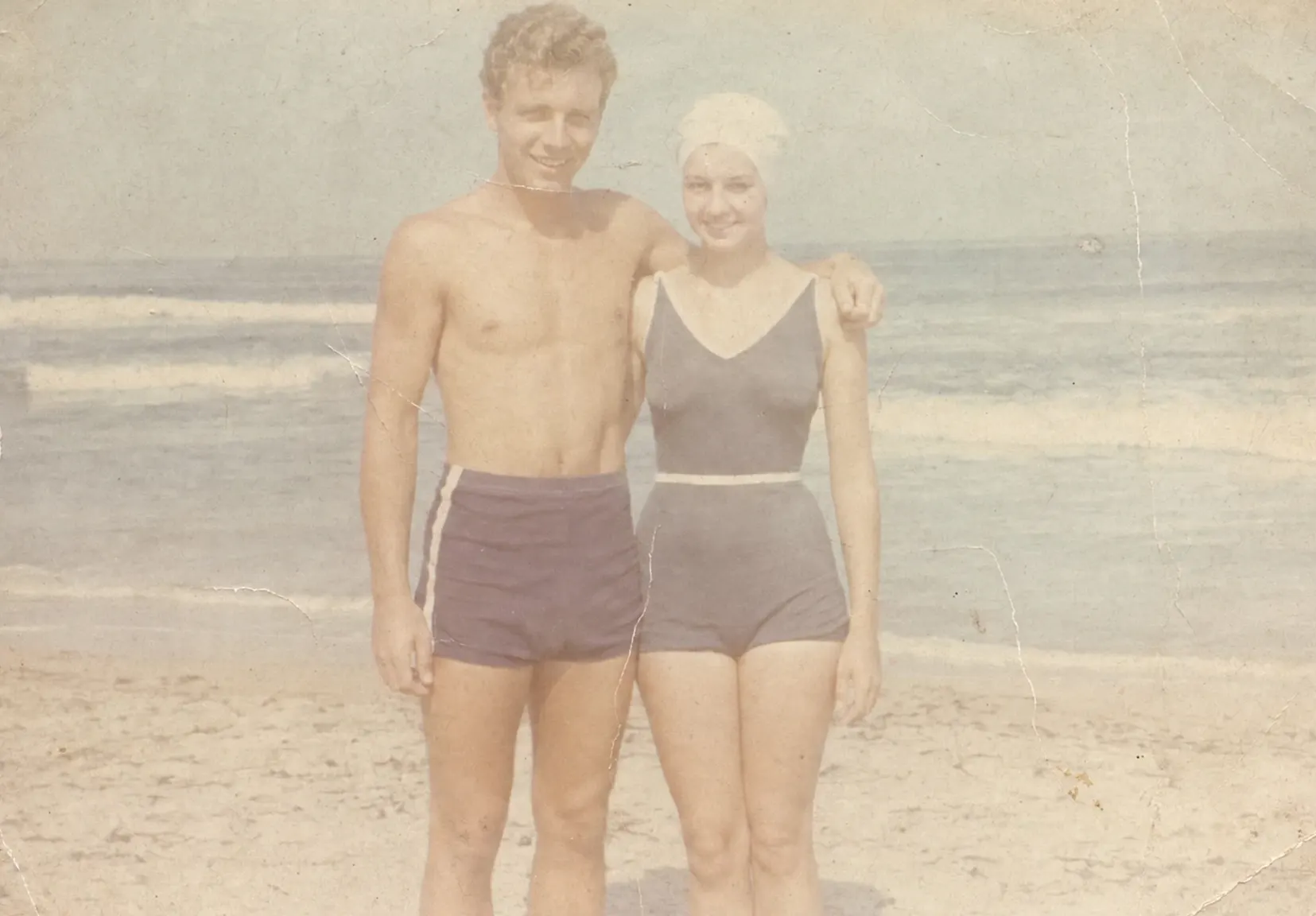
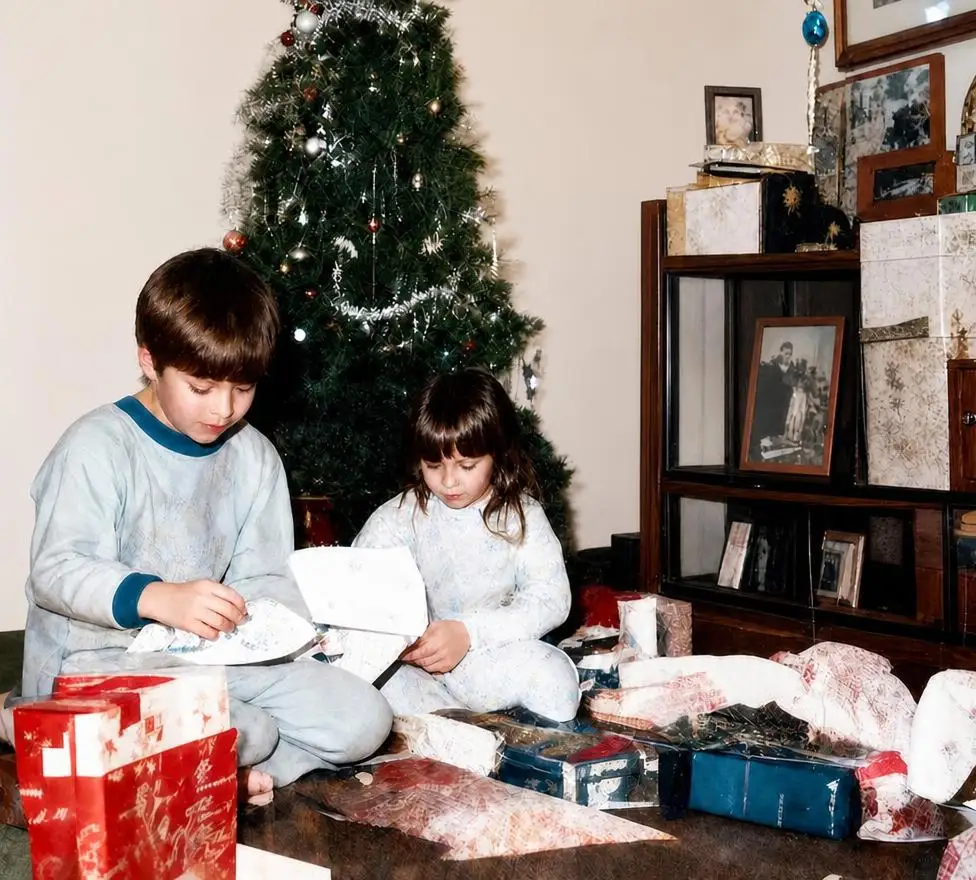
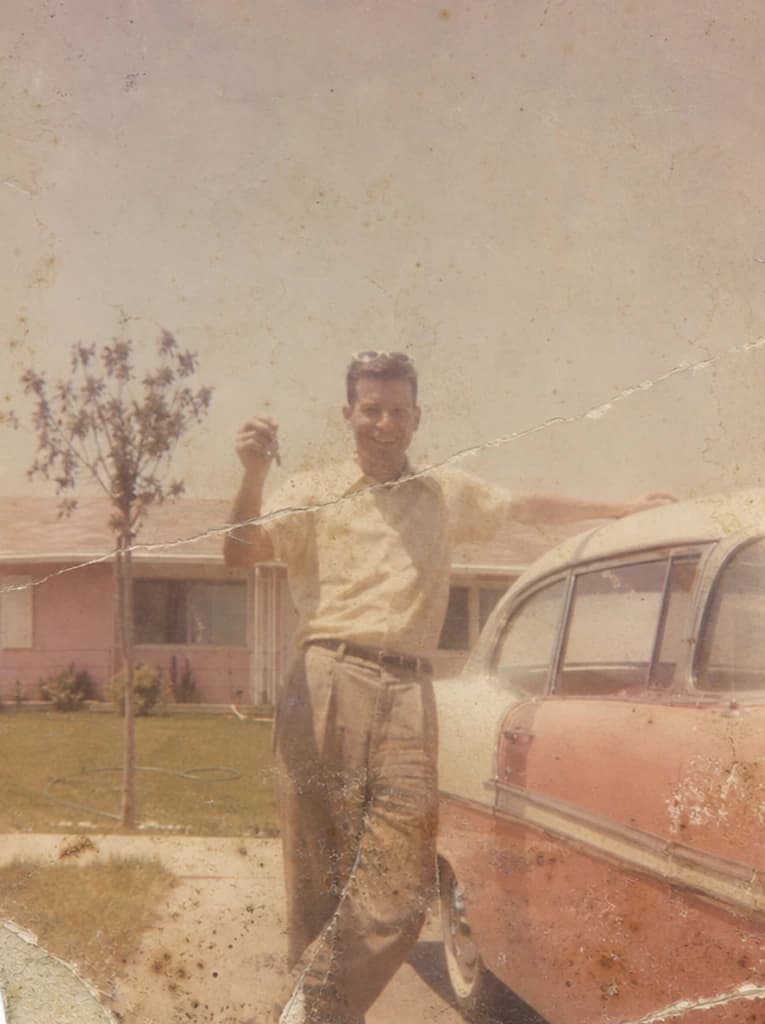
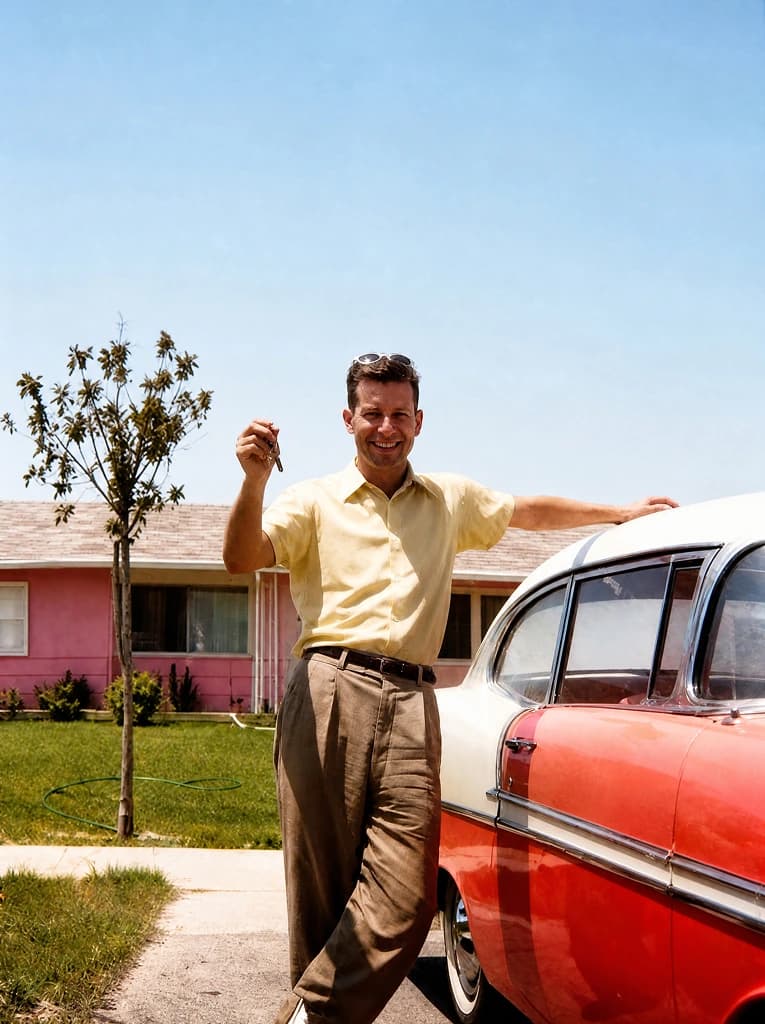
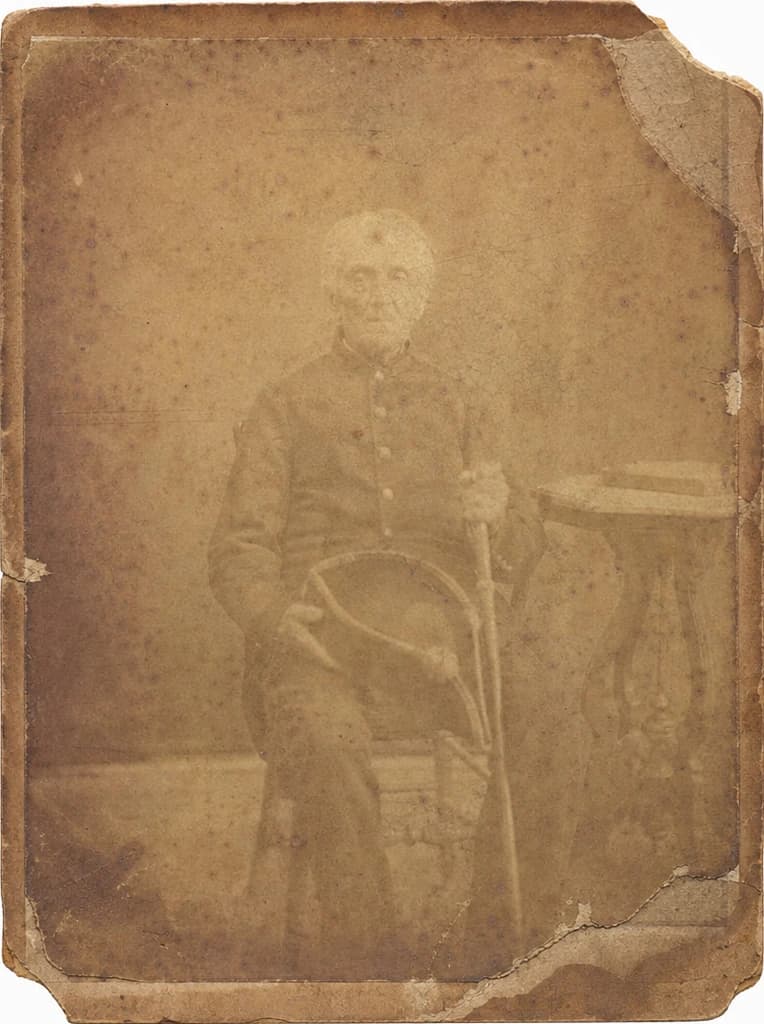
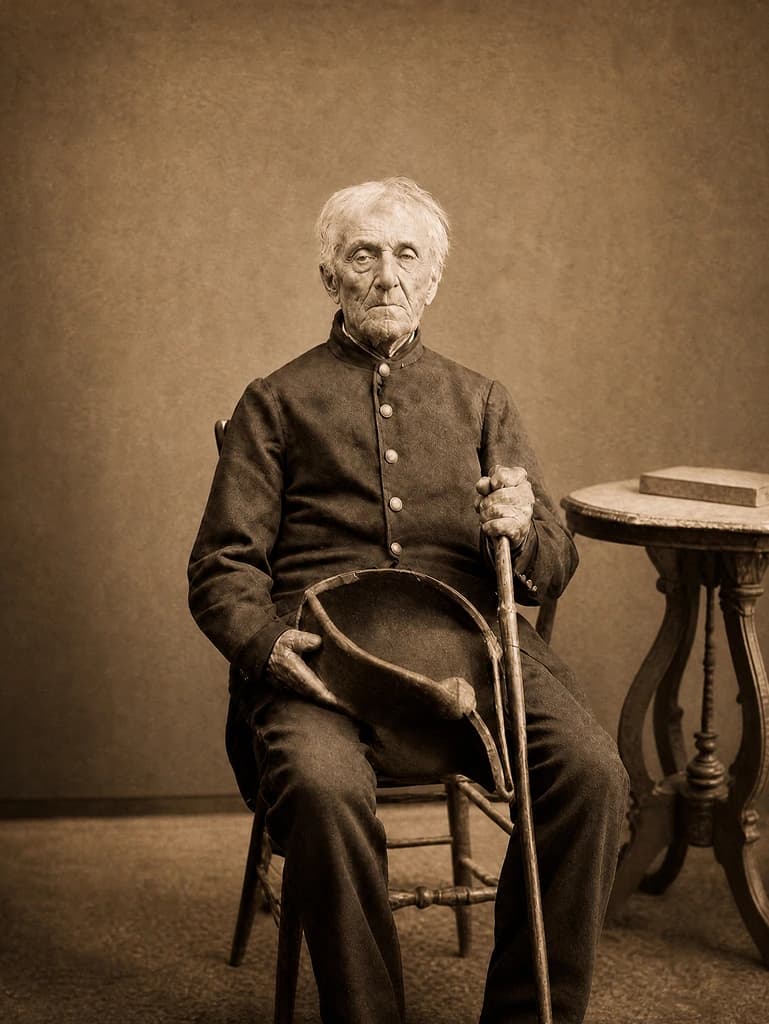
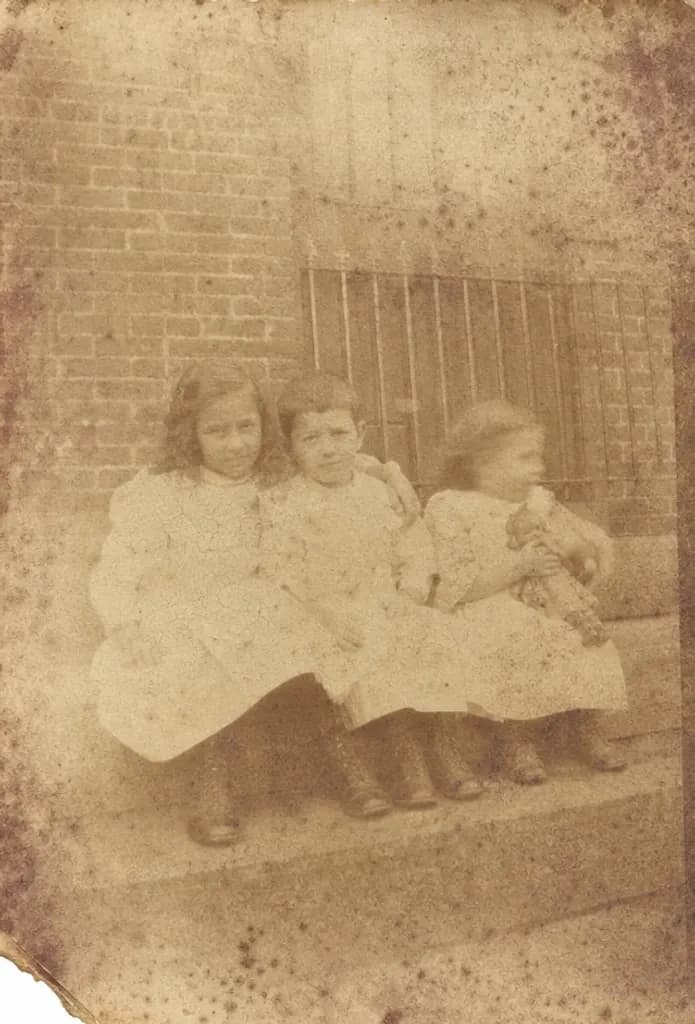
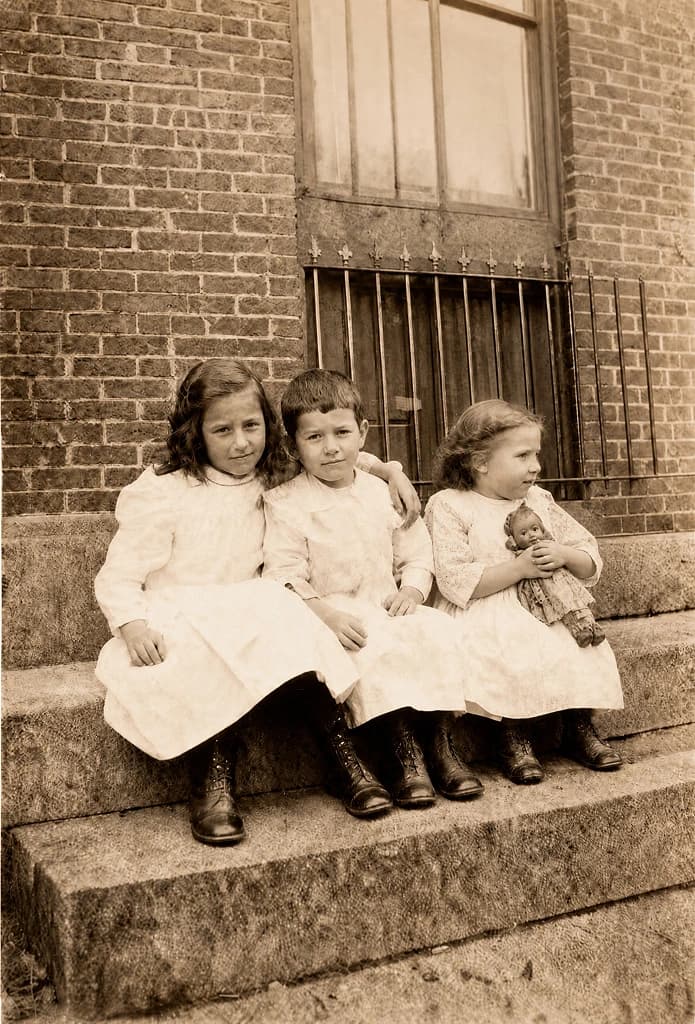
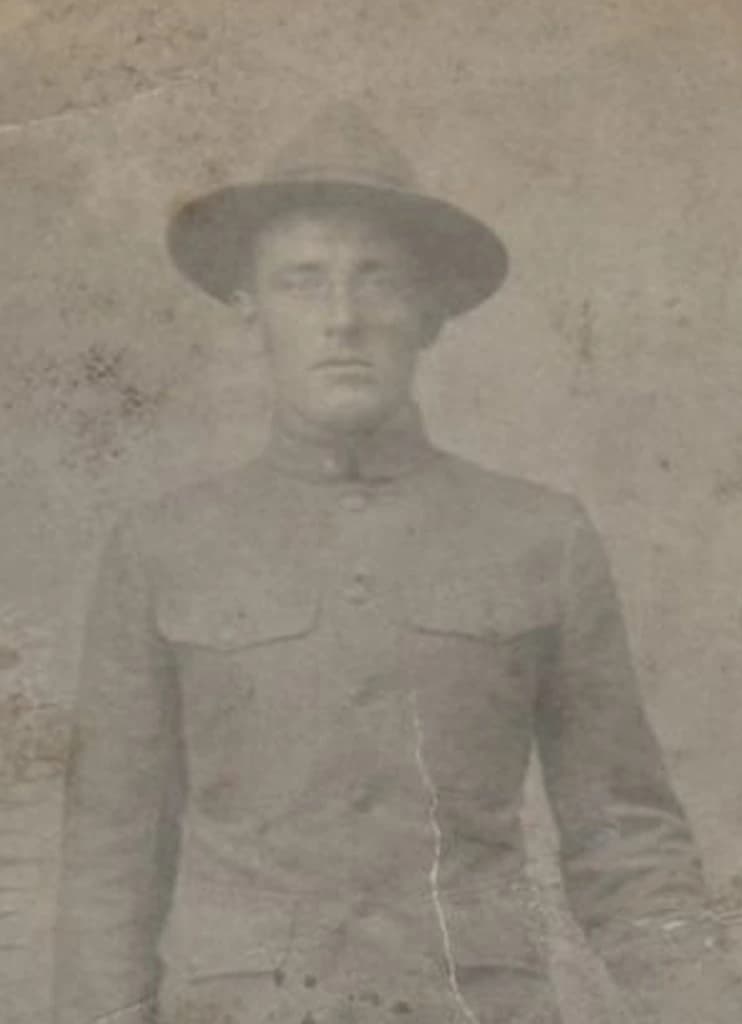
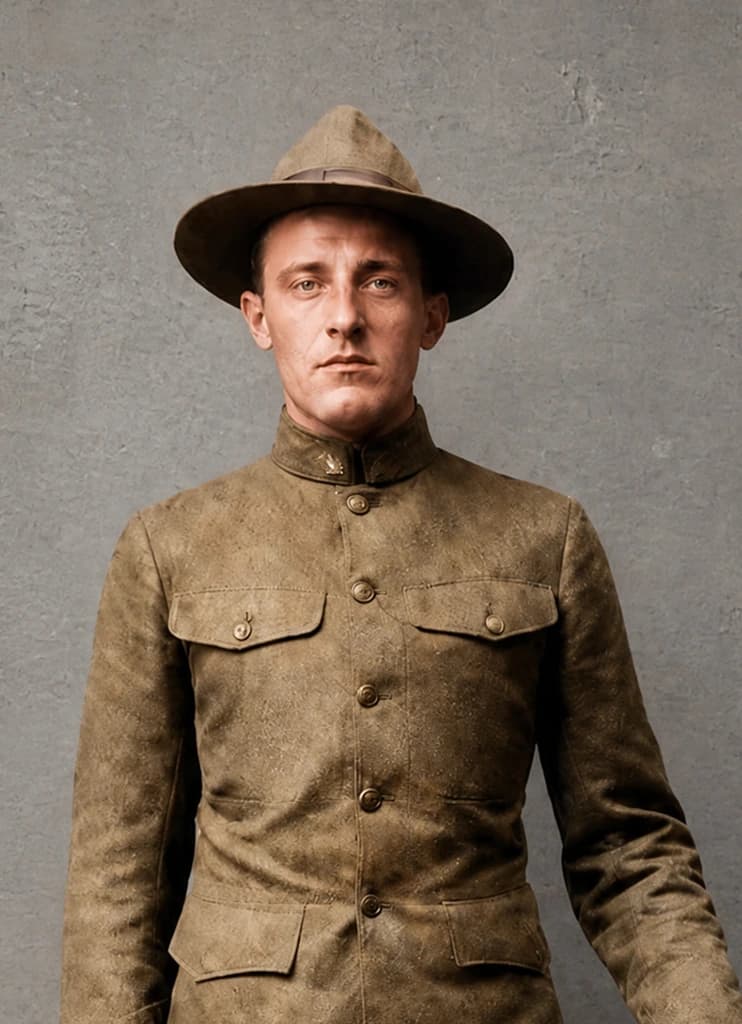
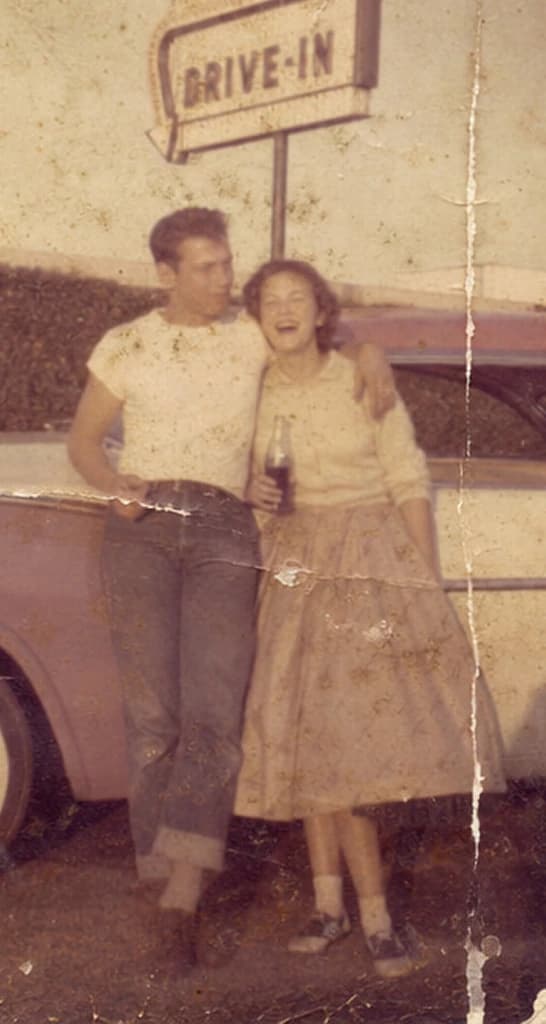
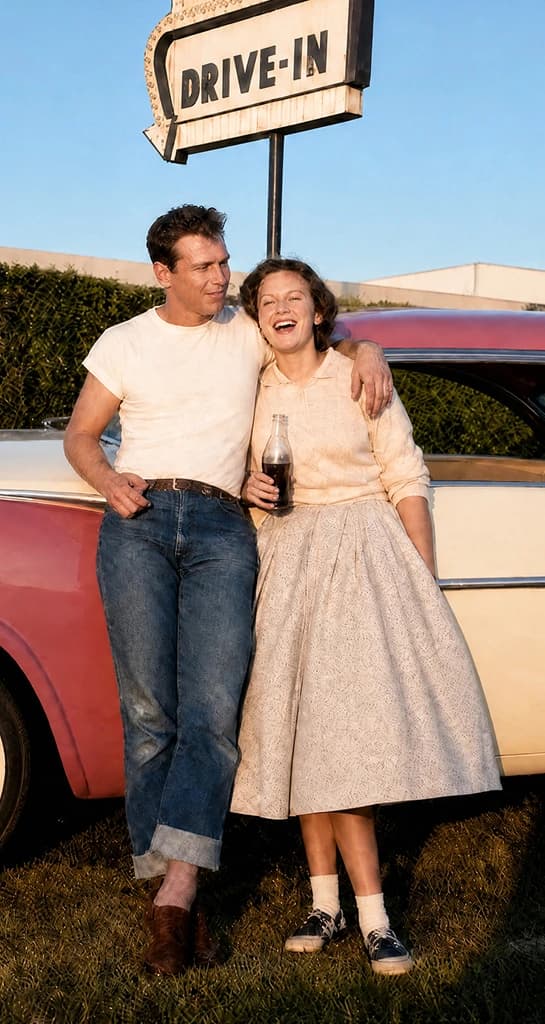
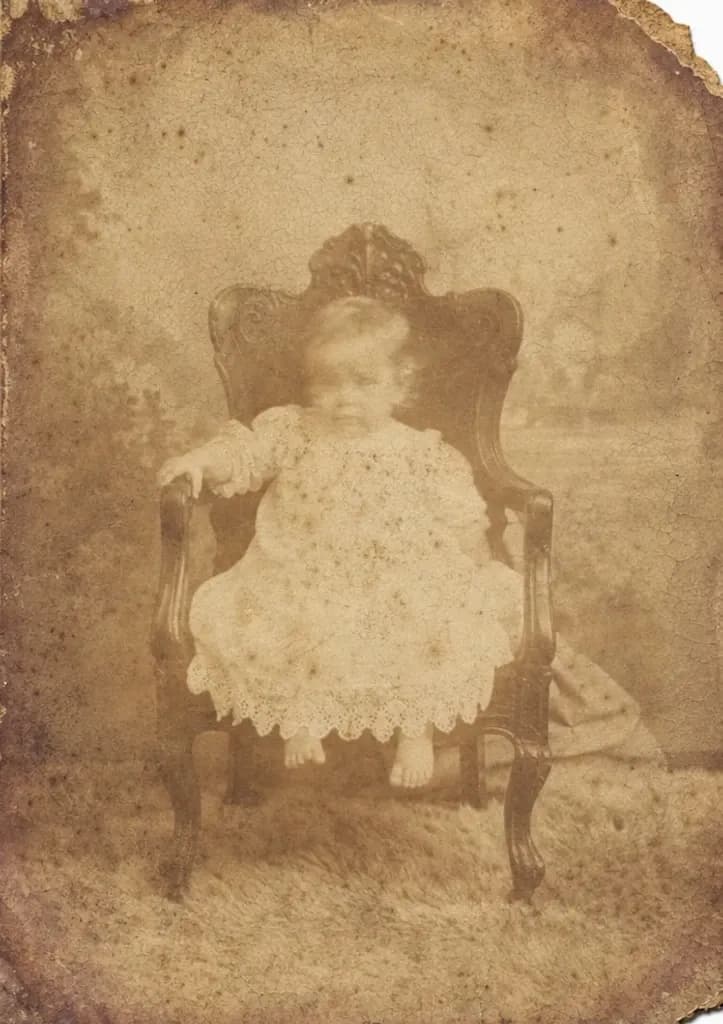
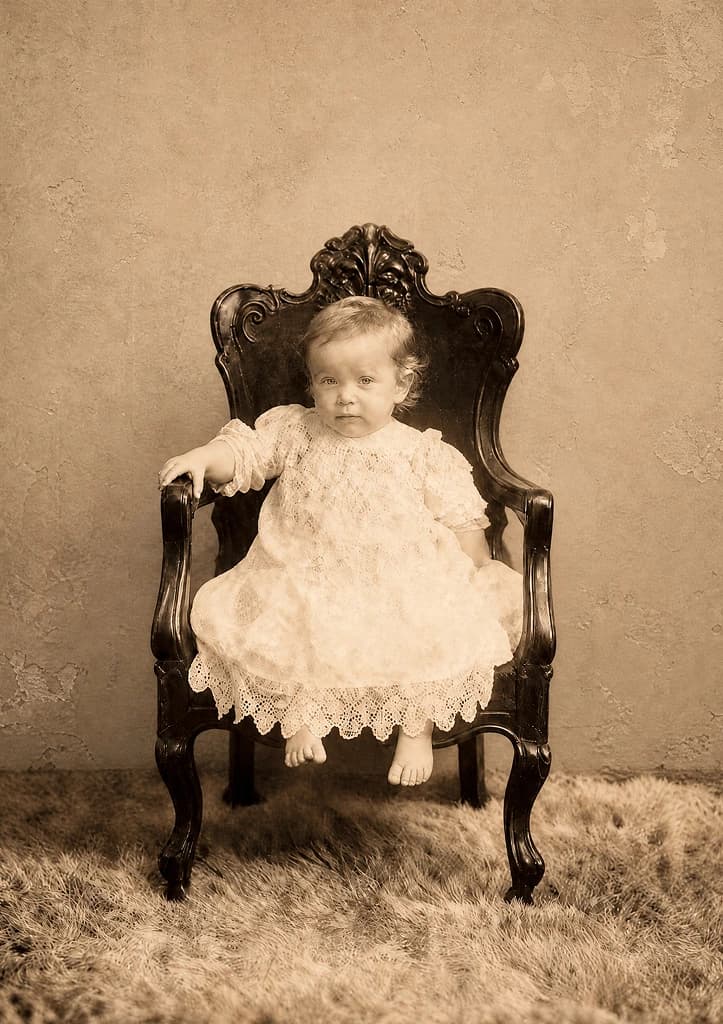
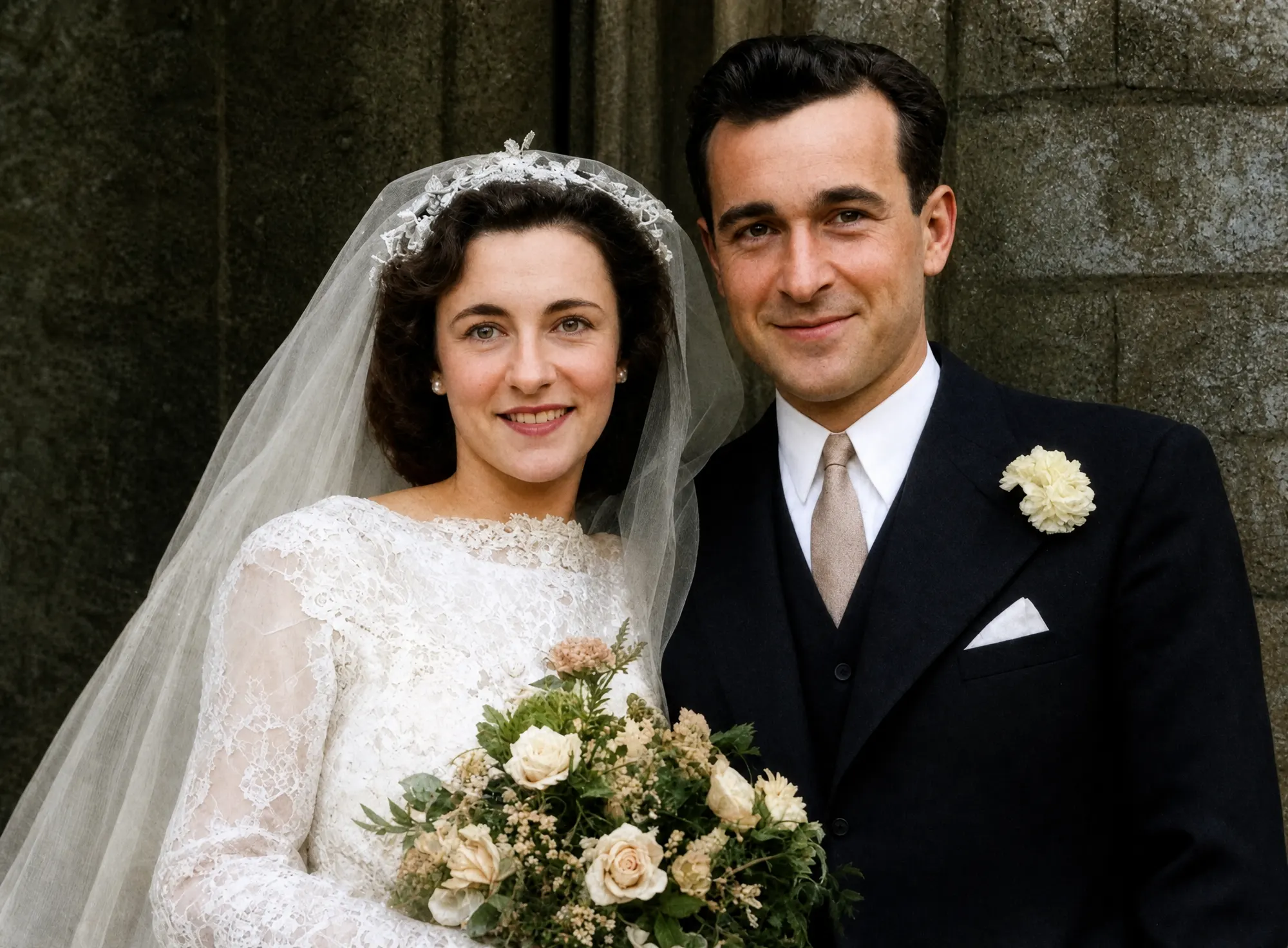
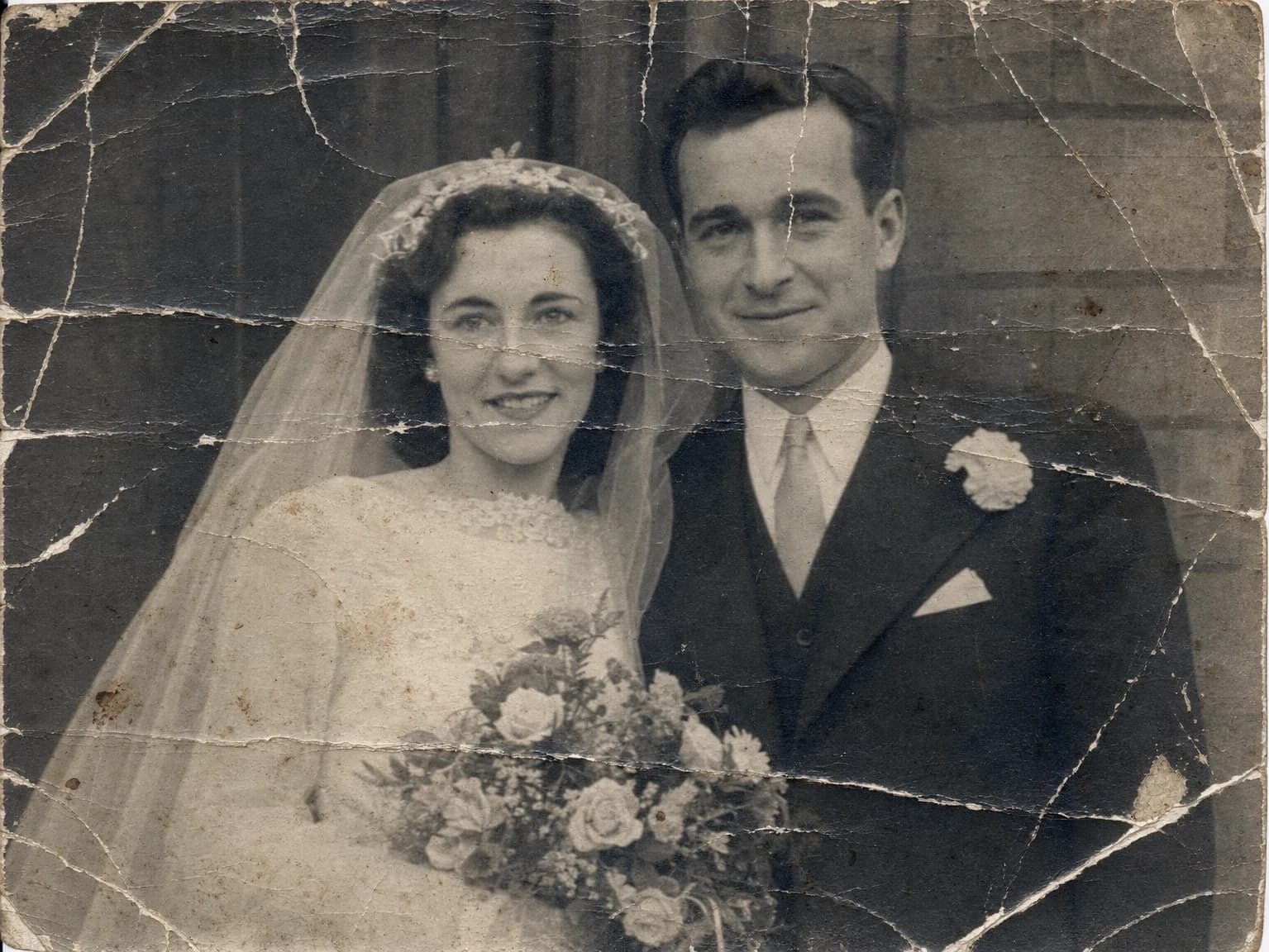
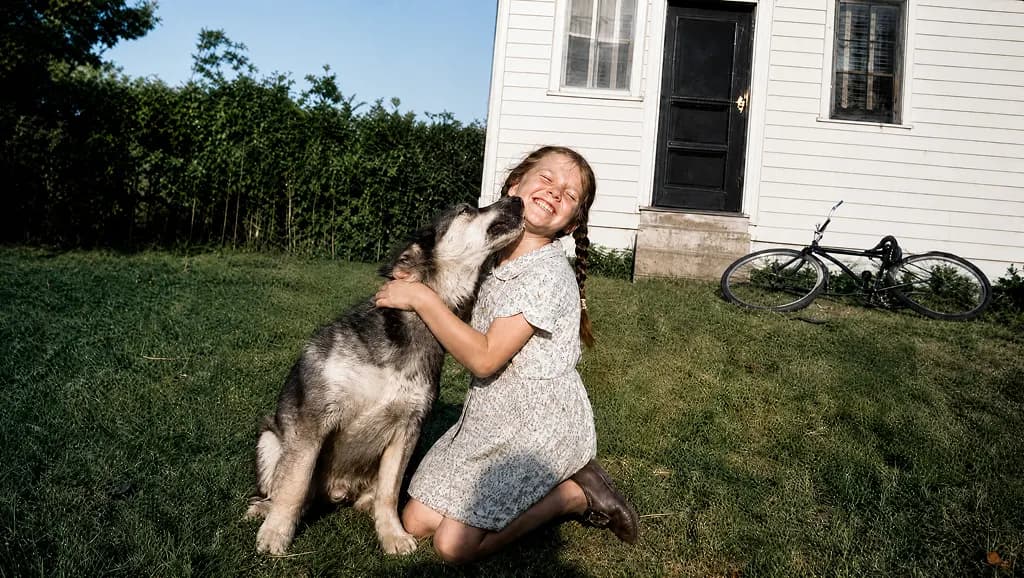
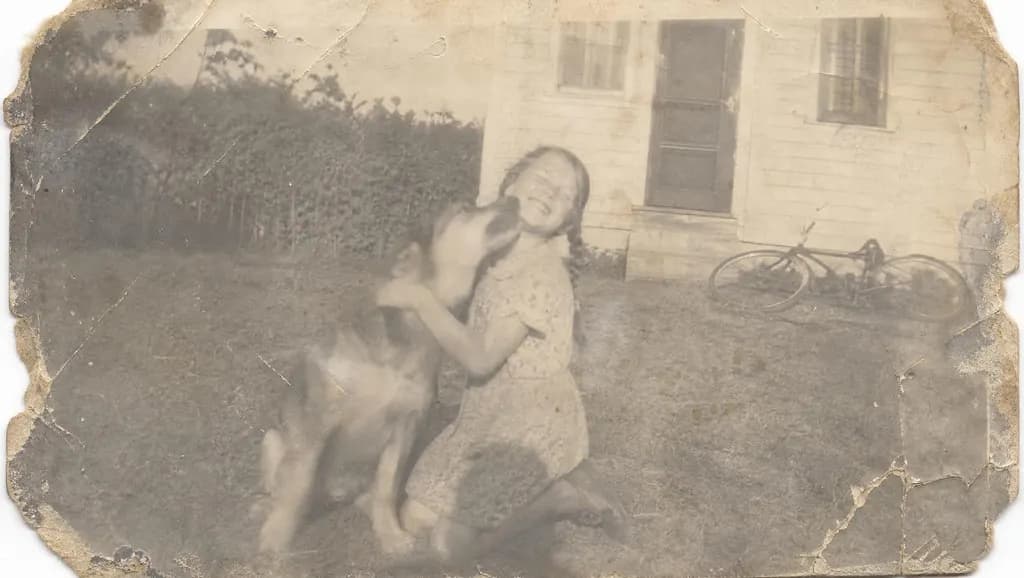
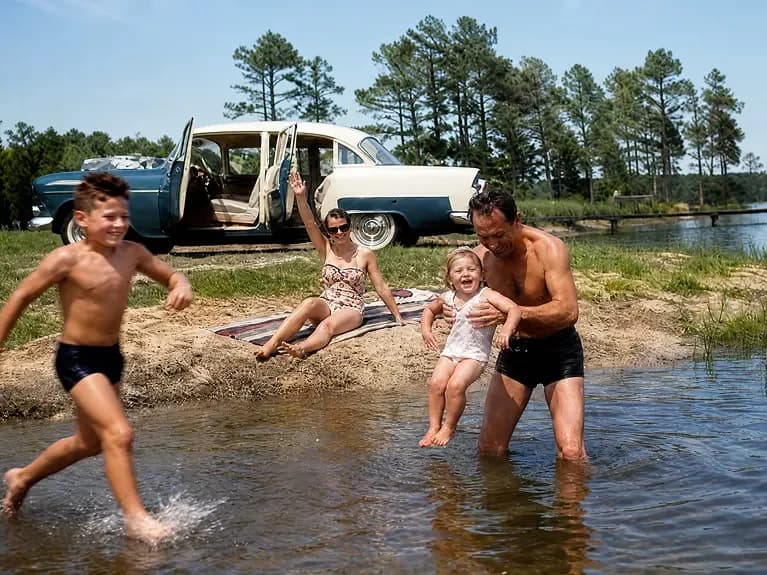
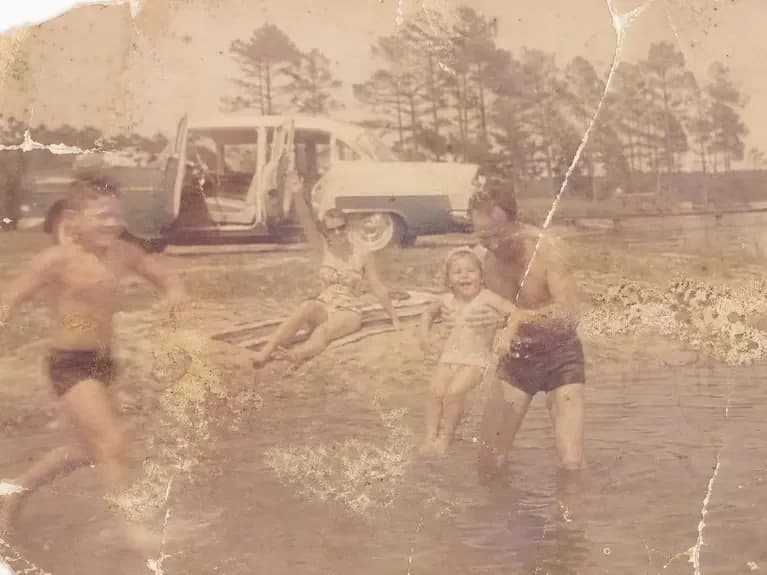
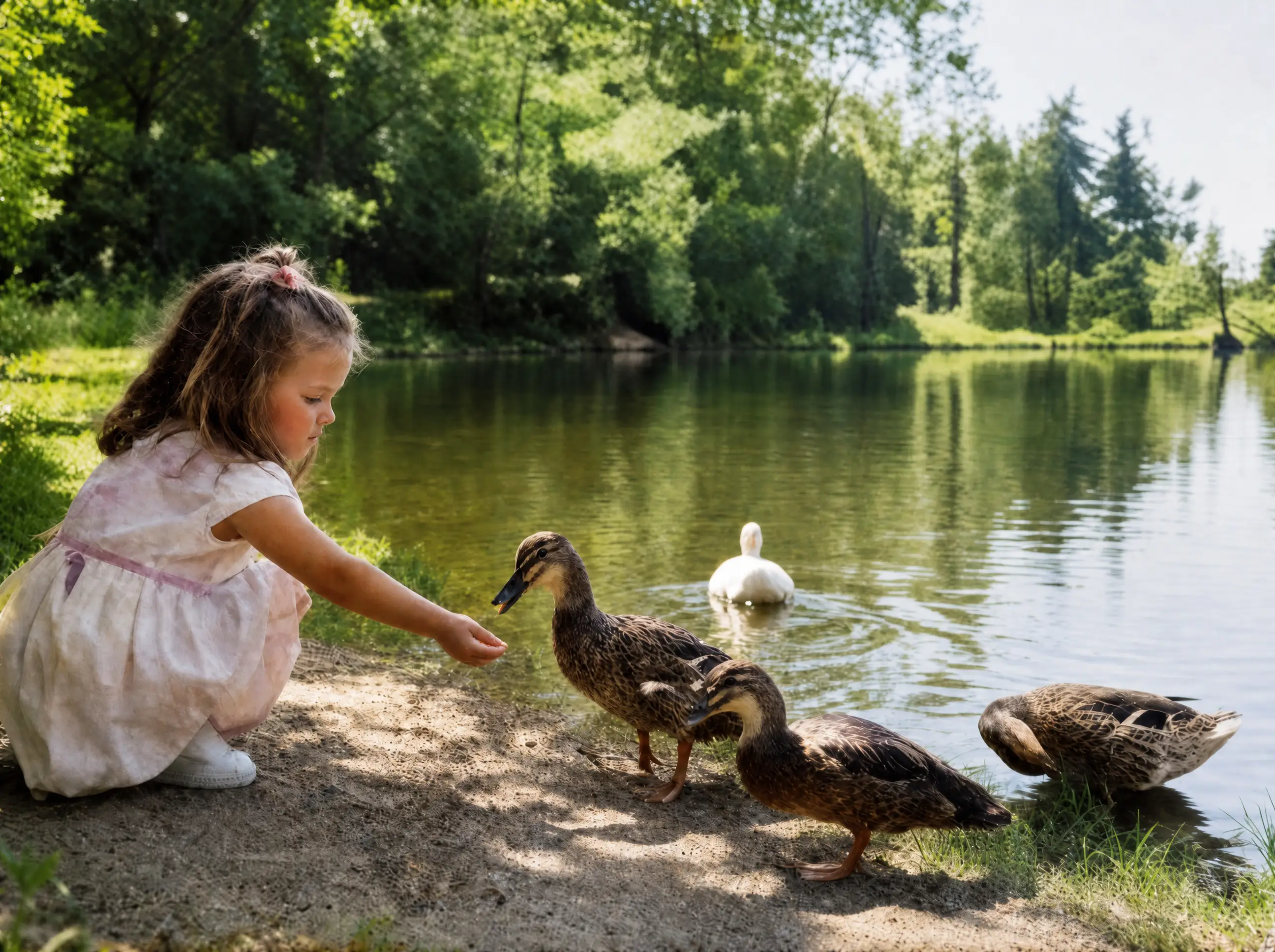
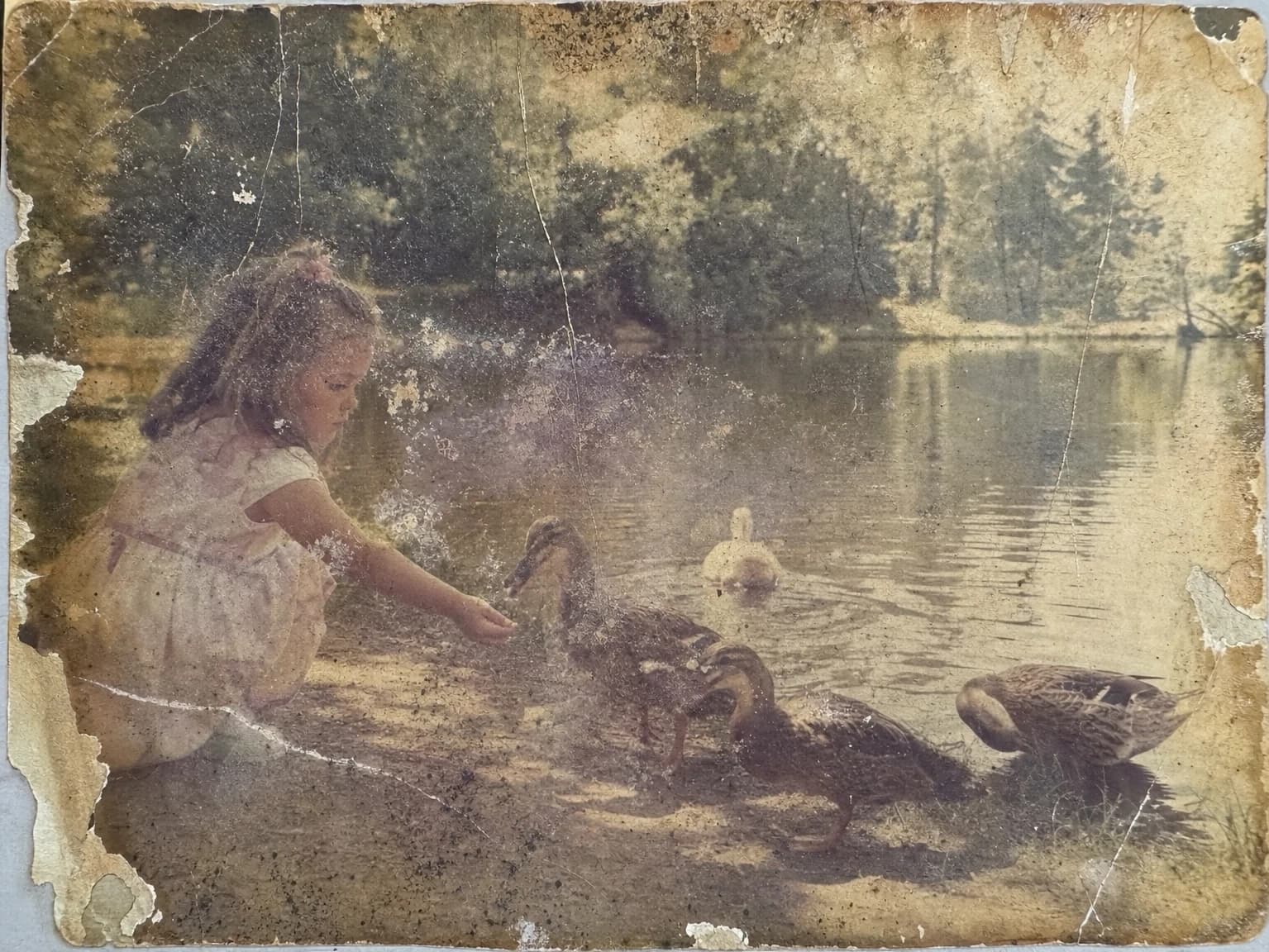
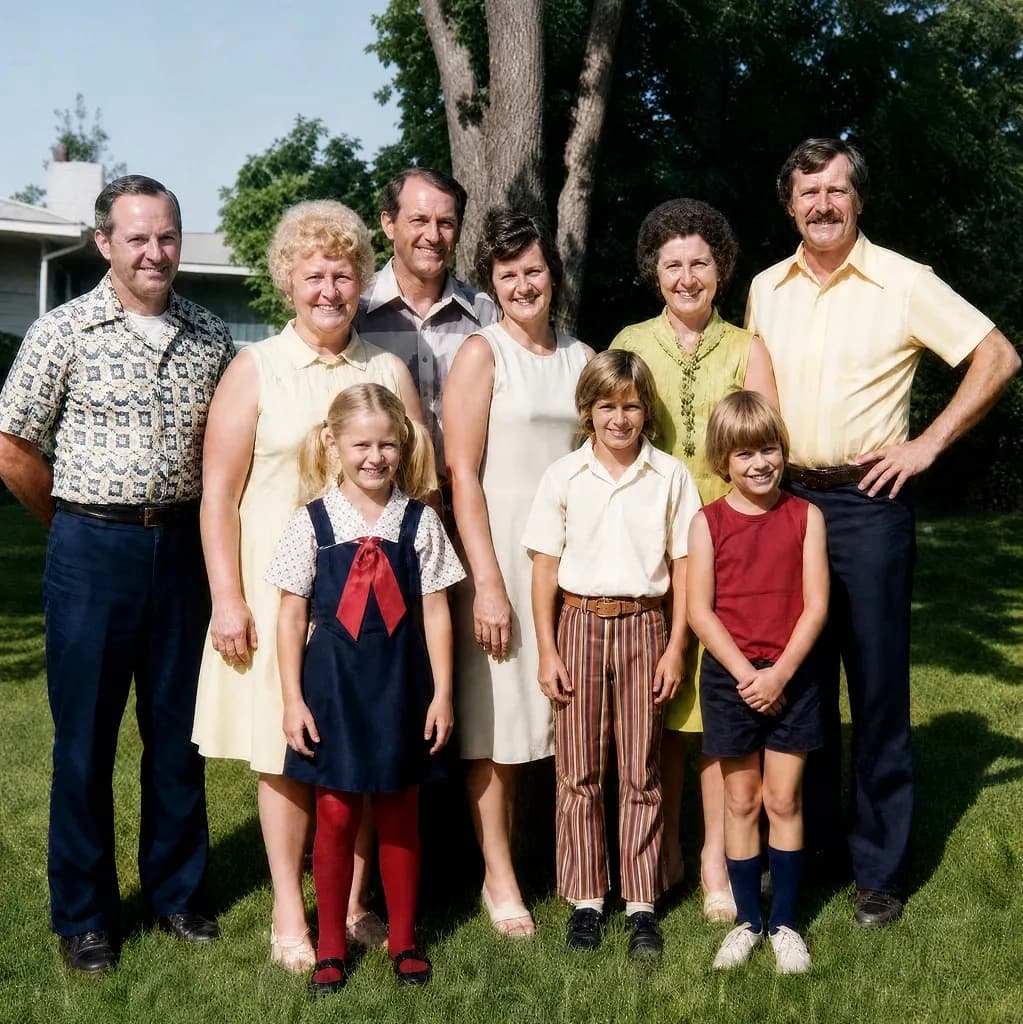
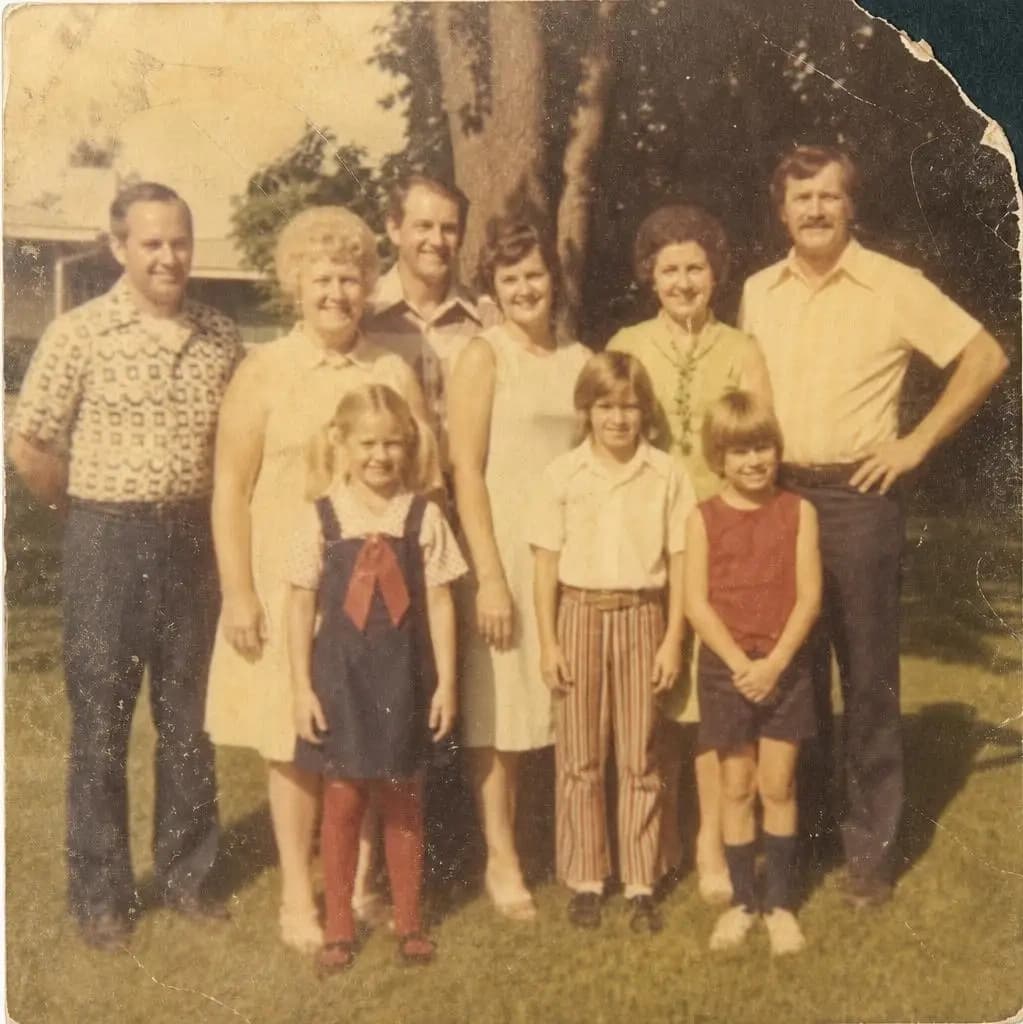
The photo that arrived is on the left. The finished restoration is on the right.

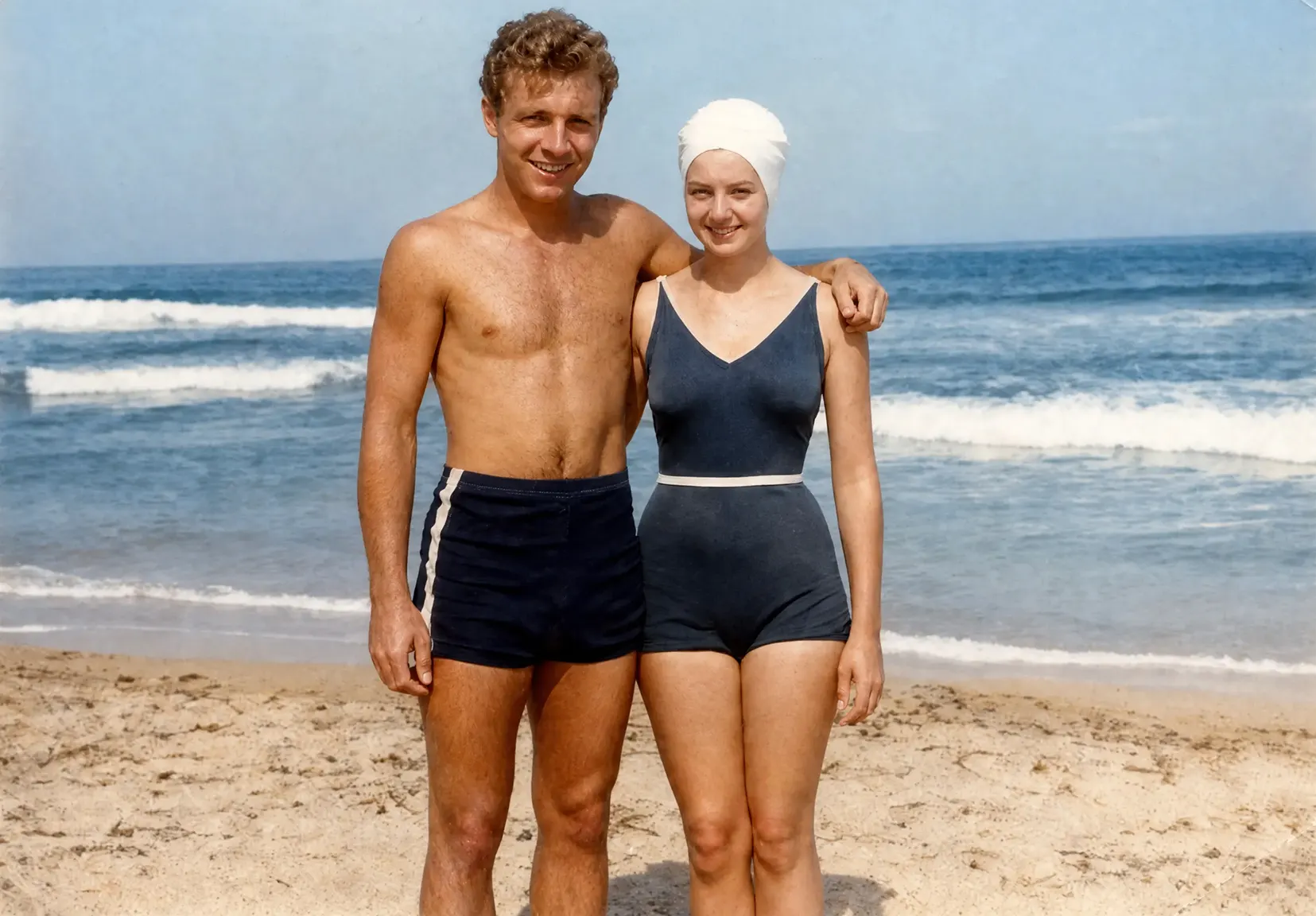
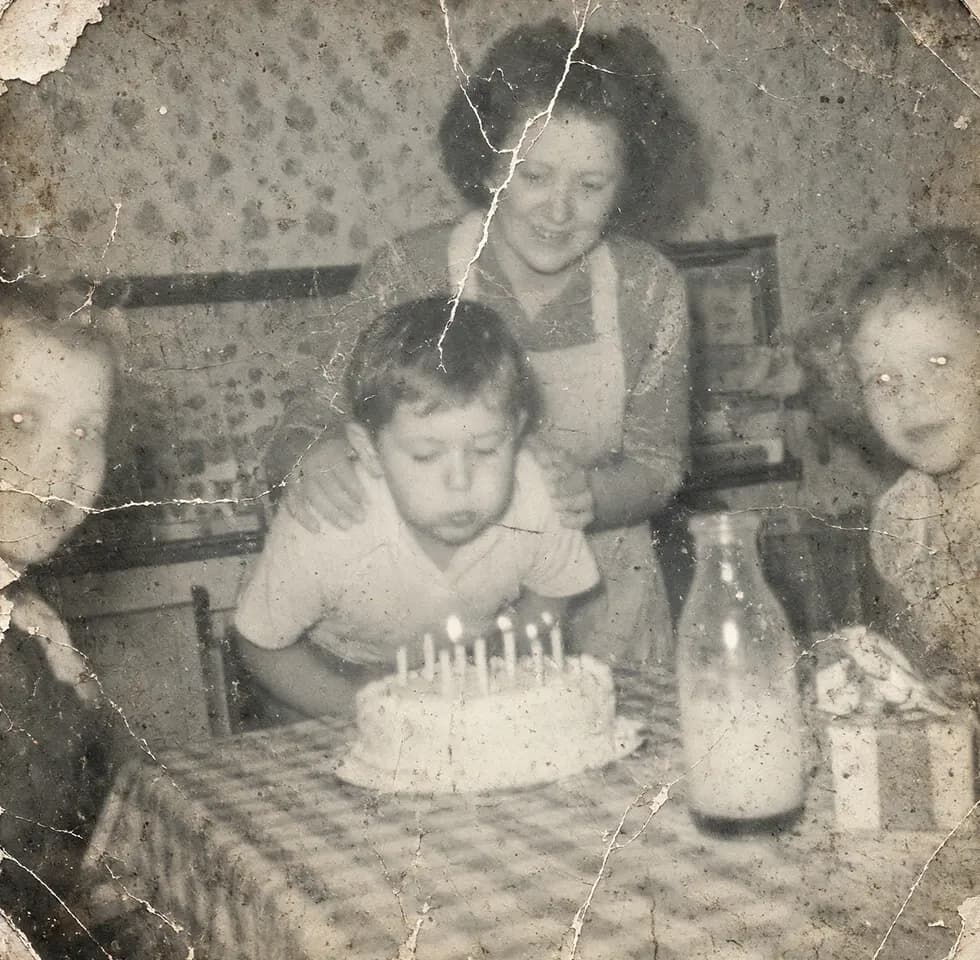
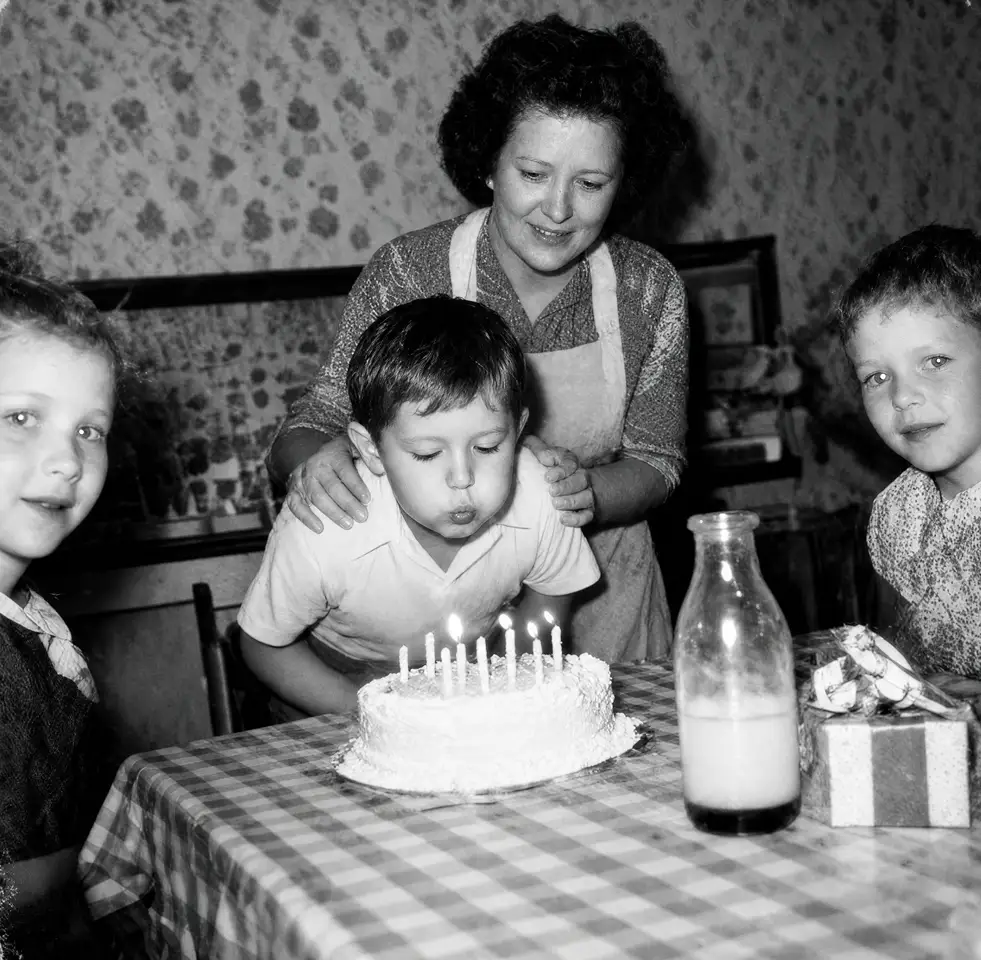
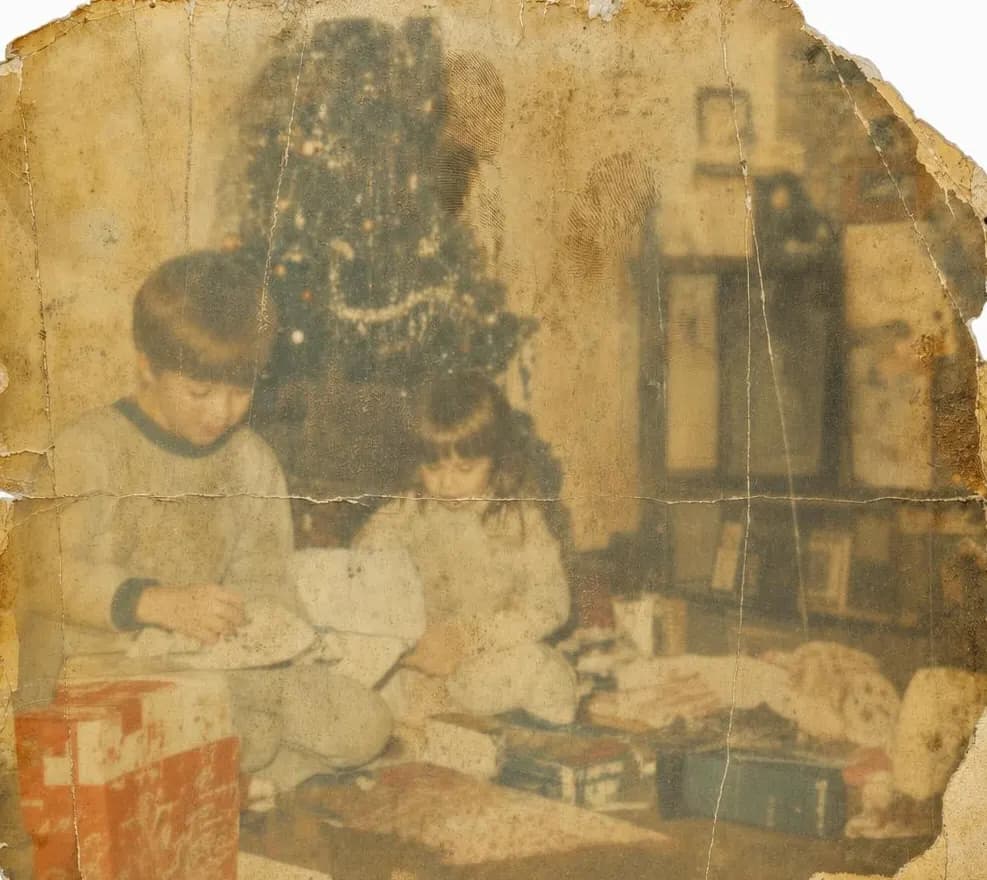
From $38 per photo
What our customers say
Every photograph tells a story. Here is what people said when they got theirs back.
“My grandparents' wedding photo was faded to almost nothing. Every detail came back, right down to the lace on her dress.”
“My dad's photo was torn and I thought it couldn't be fixed. The restoration looked so real that I couldn't tell where the tear had been.”
“Silver & Sepia sent both photos back sharper than I imagined. I just wish I had taken the color option.”
“My mother's photo had water damage across the whole bottom and I didn't think they could do much. Boy was I wrong! My mom cried when she saw it. Thank you.”
“My parents' anniversary photo had turned completely orange. The real colors are back and it looks brand new.”
“I chose black and white and all the damage is gone. It took a day longer than the date they gave me but the results were good.”
“We found a box of photos in the attic after my father passed. I sent 6 and used them at the memorial.”
“My baby photo was so faded my kids had no idea what I looked like. They couldn't believe how much my granddaughter looks like me.”
“Communication during the process was a little slow and I had to follow up once, but the end result was well worth the wait.”
“Every scratch is gone. I had it printed large and hung it in the living room. People ask where I had it taken.”
“The photo had mold spots across half of it and I almost threw it away. What came back looked like a clean original!”
“I ordered prints as well as the digital file, and the prints are gorgeous. I gave framed copies to my sisters for Christmas.”
“The first version came back way too dark and I had to ask twice before it was right.”
“My grandmother kept a photo of her parents. It was literally torn in pieces and now it's whole again.”
“I sent a photo of my parents on their honeymoon. My mom says it looks like the day it was taken.”
“Took slightly longer than the estimate suggested and I'd have appreciated a quick note. Photo itself is lovely.”
“I have five photos on my wall that looked like nothing a month ago. Extraordinary.”
“Sent a photo of my grandparents' farm. It was so faded it was almost white. All of it came back. Thank you.”
“I had no expectations. The photo came back and I just stared at it. Perfect.”
“Ordered for my dad's birthday. He went quiet when he saw it. Great work, but it almost missed the date.”
“The photo was stuck to the album and had torn when someone tried to peel it off. You would never know.”
“The damage is completely gone. Very pleased with the result.”
“The site was hard to use but the result was fine.”
“Two scorched photos came back looking like the day they were printed.”
“Silver & Sepia made the whole thing simple. And nobody tried to upsell me on anything.”
“I had a photo of my mother-in-law's parents restored and framed for her birthday.”
“I sent them a disaster and got back a photograph. It took six rounds of changes to get there.”
“A box of my grandmother's photos got soaked. I sent 3 photos and she was thrilled!”
“The quote was accurate and the result was excellent. Would recommend.”
“Took a little longer than expected, which was frustrating as it was for a birthday. Luckily it arrived in time.”
“Amazing service. Thank you!”
“I had our wedding photo restored for our fortieth anniversary. When I handed her the frame she asked who painted it.”
“We found my uncle's photo albums after he passed. I sent five and got my grandparents back.”
“The detail in the faces still looks blurry to me, but it's definitely better than what I sent in.”
“I emailed twice with questions before I ordered and got an answer both times. The quality is exactly what I needed.”
“Would have liked a bit more light but that's a small thing. Good service and I'll use them again.”
“My great-grandmother had a photo of herself as a little girl. It came back completely sharp!”
“Sent it Monday. Approved it Wednesday. Shipping cost more than I expected, though.”
“A photo of my dad's parents that had been getting worse in a drawer. Best gift in years, he said.”
“I mailed the original to Silver & Sepia and it came back safe, tracked the whole way. Great service.”
“My children never met my father. Got back something beautiful.”
“The stain across my mother's face is gone which is what I needed.”
“My mother looked at the photos for a long time and said that's exactly how she remembers it.”
“They were honest about what was possible and they overdelivered.”
“I've now sent 11 photographs across 4 separate orders. Haven't been disappointed so far.”
“I'd have liked to give more direction during the work rather than at the review stage. Still good work.”
“I found a photo of the house my parents lived in before I was born and now it's on my wall.”
“Sent a photo I thought was beyond saving. It's back on the shelf. Thank you!”
From $38 per photo
100% money-back guarantee
Love it, or your money back
Nothing is final until you say so
We show you the restored photograph. You approve it, or you request changes.
Free changes until it's right
Every order includes unlimited free changes until we get it right.
Love it, or your money back
If we still can't get it right, we'll refund your card. No vouchers, no store credit.
From $38 per photo
Before & after
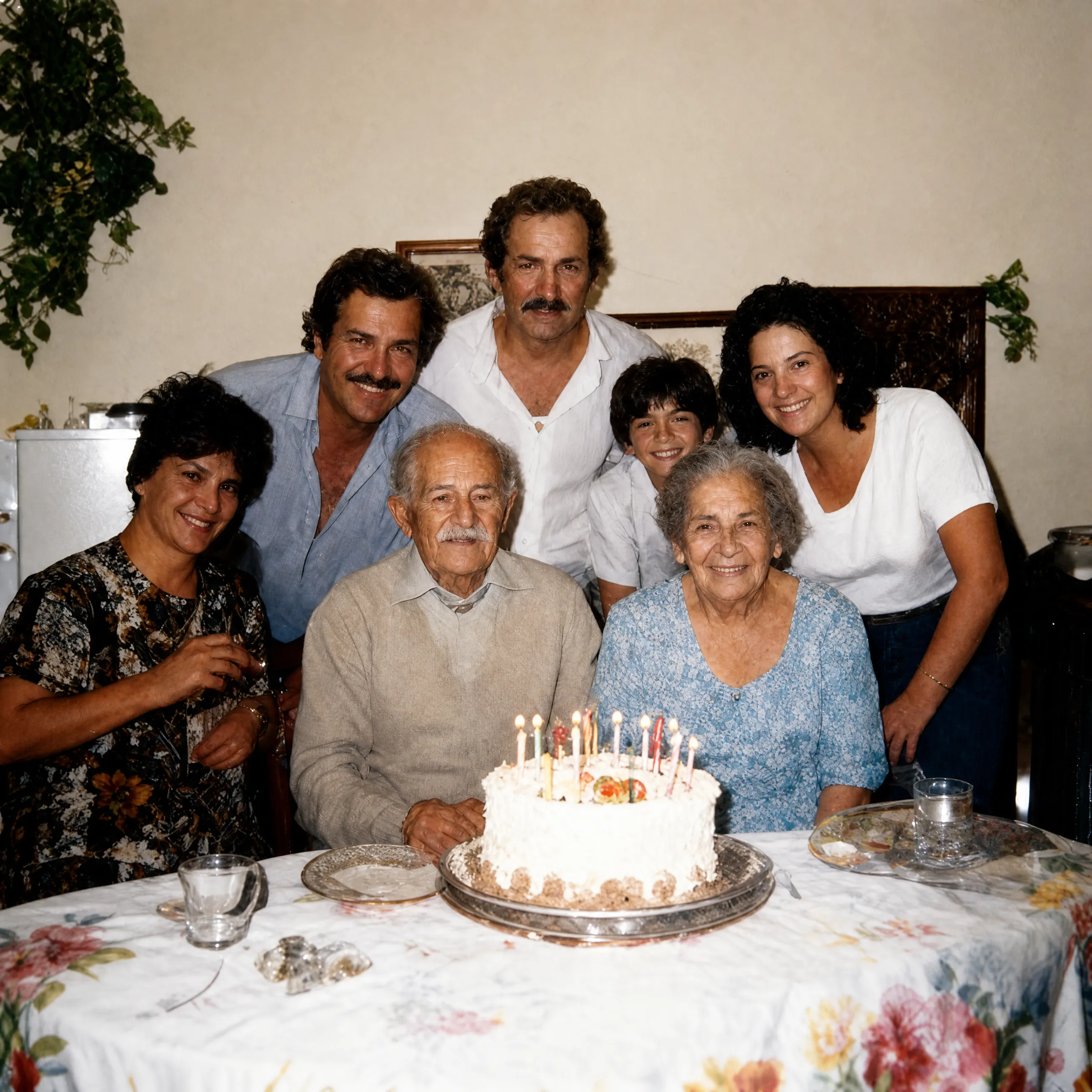
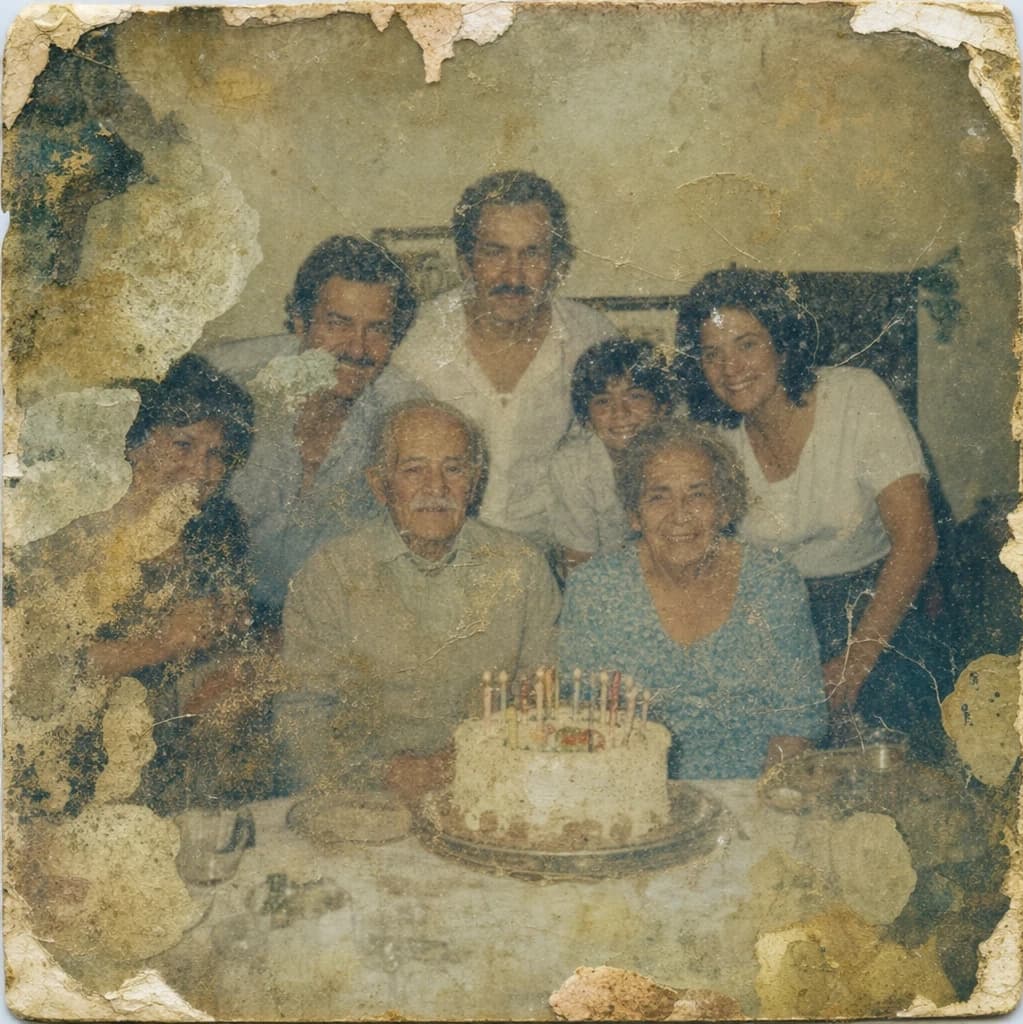
Drag the handle or click the buttons to compare.
From $38 per photo
Frequently asked questions
Questions? Call us at (307) 218-6915 Mon–Fri, 9am–5pm Central or email us at support@silverandsepia.com
From $38 per photo
Start with the one you miss the most
You know the photo. Send it today. A real artist will take it from there.
Restore My Photo NowFrom $38 per photo